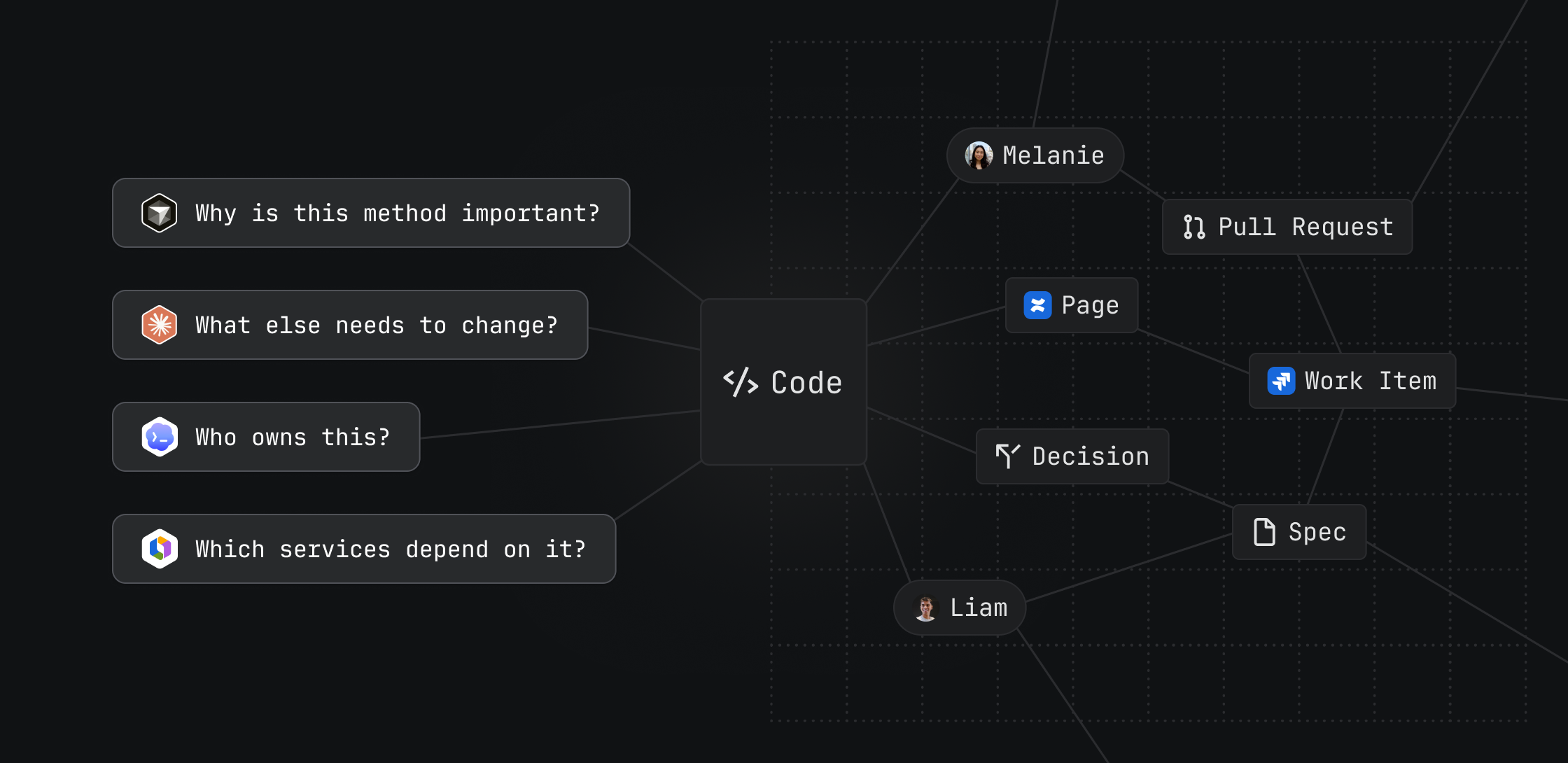
Atlassian Code Context brings large-scale, multi-repo codebase understanding into the Teamwork Graph so Rovo and coding agents produce better output with fewer tokens
Without the right context, every day is day one for a coding agent.
Agents may have the intelligence needed to write, refactor, and review code, but they still face the same challenge developers do: understanding how complex systems actually work. They need the right context to navigate cross-team dependencies, ownership boundaries, and downstream impacts that are hard to understand from any single workspace.
Code only tells part of that story. Just as important, agents need to structure their thinking around other relevant signals from across the company, including architectural decisions from related work, the product strategy, and conversations that explain why certain tradeoffs were made.
That’s why we’re introducing Code Context into the Atlassian Teamwork Graph. By combining codebase understanding with critical organizational context, the Teamwork Graph gives agents a secure, permission-aware way to reason across code and work, so they can produce better, more precise output.
To get started, admins need to opt in and enable code indexing in their Atlassian org settings
Better agent output, wherever development happens
Code Context indexes your codebase into the Teamwork Graph and makes it available where teams and agents already work. Accessible from IDEs, terminals, and AI coding apps, as well as Jira and the Atlassian ecosystem.
It combines lexical and semantic search so developers and agents can find exact matches, ask natural-language questions, and retrieve relevant source code across multiple repositories. As part of the broader Teamwork Graph, Code Context connects that code to the work around it, grounding agents in the most relevant knowledge to complete their work.
When an agent starts in the wrong place, everything slows down and costs more. Developers end up explaining where to look, why the code works the way it does, and what else it touches. Code Context puts all of that in front of the agent from the start, so it can focus on getting the work done.
— Mark Walz, Chief Technology Officer of SpotOn
In internal benchmarks, agents enriched by the Teamwork Graph delivered 44% more accurate results while using 48% fewer tokens compared to agents operating without it.
Give AI coding agents better source code context
Code Context is available through the Teamwork Graph CLI. Coding agents like Cursor, Claude Code, and Codex can use it to efficiently retrieve the relevant context they need before taking action.
Without broader context, coding agents are limited to the local workspace. They may miss implementation details, dependencies, or usage patterns that live elsewhere, introducing risk through confident-looking changes.
When Code Context is enabled, the same agent can query across connected repositories, retrieve relevant code, and lean on additional signals from Jira work items, Confluence pages, Loom videos, and third-party sources from 50+ connectors like Slack and Google Drive.
In the side-by-side comparison above, both agents understand the likely technical problem, but the one using Code Context then turns that hypothesis into a verified system diagnosis. It identifies the problem in a related repository that’s not available locally and relies on prior decisions to determine that a change should be made there, not in the repository available on the developer’s machine.

Pro Tip
Put Teamwork Graph to the test and run your own side-by-side benchmark.
Learn more.
Ask Rovo about your codebase
Code Context is also available as a Rovo Chat skill. Instead of jumping across repositories or relying on tribal knowledge, developers can ask Rovo questions about how a system works and get answers grounded in connected source code and additional signals from across their organization:
- A developer investigating an issue can ask where a certain behavior is implemented.
- A tech lead planning a change can ask which services depend on a shared API.
- A teammate onboarding to a new area can ask how a feature is evaluated, configured, or tested.
Accountability and governance stay with developers
Every code change still needs an owner. Even when an agent proposes the fix, developers are accountable for understanding the change, reviewing downstream impact, and deciding what ships.
Code Context helps reduce that risk with secure source code access. Admins opt in before indexing begins, and once enabled, results are scoped to what each user or authorized agent is permitted to see. The goal is not to give agents unlimited access. It is to give them the right access through a secure, governed system where developers stay in control.

Pro Tip
Try using Code Context to improve developer experience across the following use cases:
- Onboard faster. Ask questions about unfamiliar services, patterns, and dependencies.
- Debug across repos. Find where behavior is implemented, called, or configured.
- Plan changes with better context. Understand downstream impact before editing code.
- Improve AI coding workflows. Give agents relevant source context before they generate, refactor, or review code.
- Support cross-team work. Help engineers understand systems they do not own without chasing down tribal knowledge.
Getting started with Code Context
Code Context (formerly known as “Code Intelligence”) is currently available in early access and is gradually rolling out to customers through open beta. Organization admins can check whether Code Context is available for them to opt in to under Rovo settings in Atlassian Administration.
Code Context supports Bitbucket and GitHub repositories. It respects existing SCM permissions, so users and agents only retrieve code they already have access to. Before enabling, admins should confirm SCM setup, and review the security considerations detailed in the documentation. Learn more about Code Context and set up it up for your site.
Any agent. Any model. One team → Discover the AI-native SDLC on jira.dev